 Skip to content
GeoID Fix Support & FAQs
Contact Us
Fill out the form to the right and click on ‘Send’ to get help
Fill out the form below and we will contact you as soon as possible!
FAQs for GeoID Fix iOS app
GeoIDFix — Frequently Asked Questions
Below are concise answers for coordinates, EGM2008 results, maps, favorites, reliability, and optional PDOP with DJI RTK. For screenshots and forms, start on our GeoIDFix Support page.
Getting started
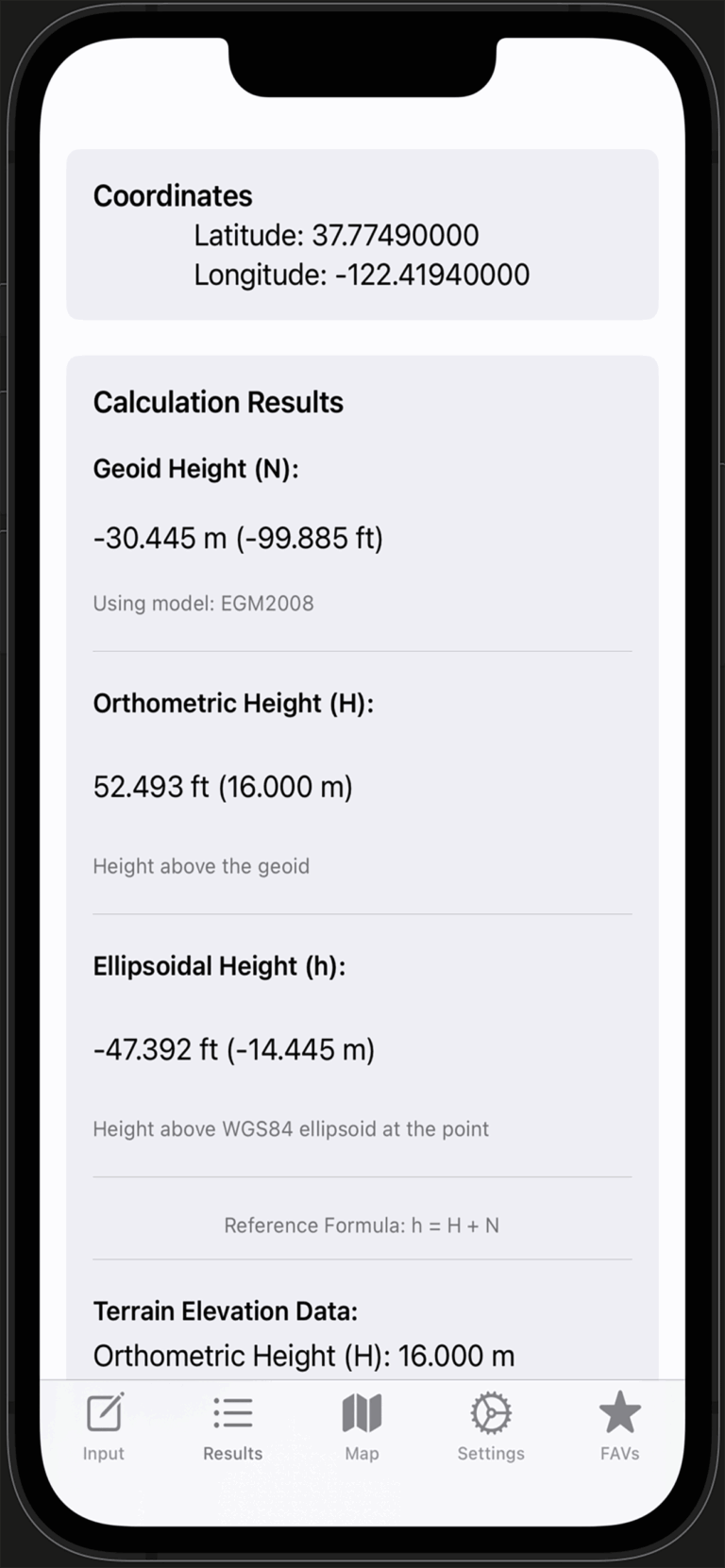
First, GeoIDFix converts between decimal degrees and DMS; next, it requests geoid height from an EGM2008 service; finally, it computes orthometric height using
H = h − N. For app guidance, visit our GeoIDFix Support, and for foundational context, review NOAA’s GEOID resources.
Currently, the app uses EGM2008 exclusively so your results remain consistent across jobs. Moreover, this simplifies workflows that involve sharing coordinates with teammates. See our support notes, and learn about the model at GeographicLib’s geoid overview.
Saved favorites remain available offline; however, new EGM2008 lookups require a network connection. For tips, start at our GeoIDFix Support, and for a primer on coordinates, see USGS latitude and longitude.
Coordinate input
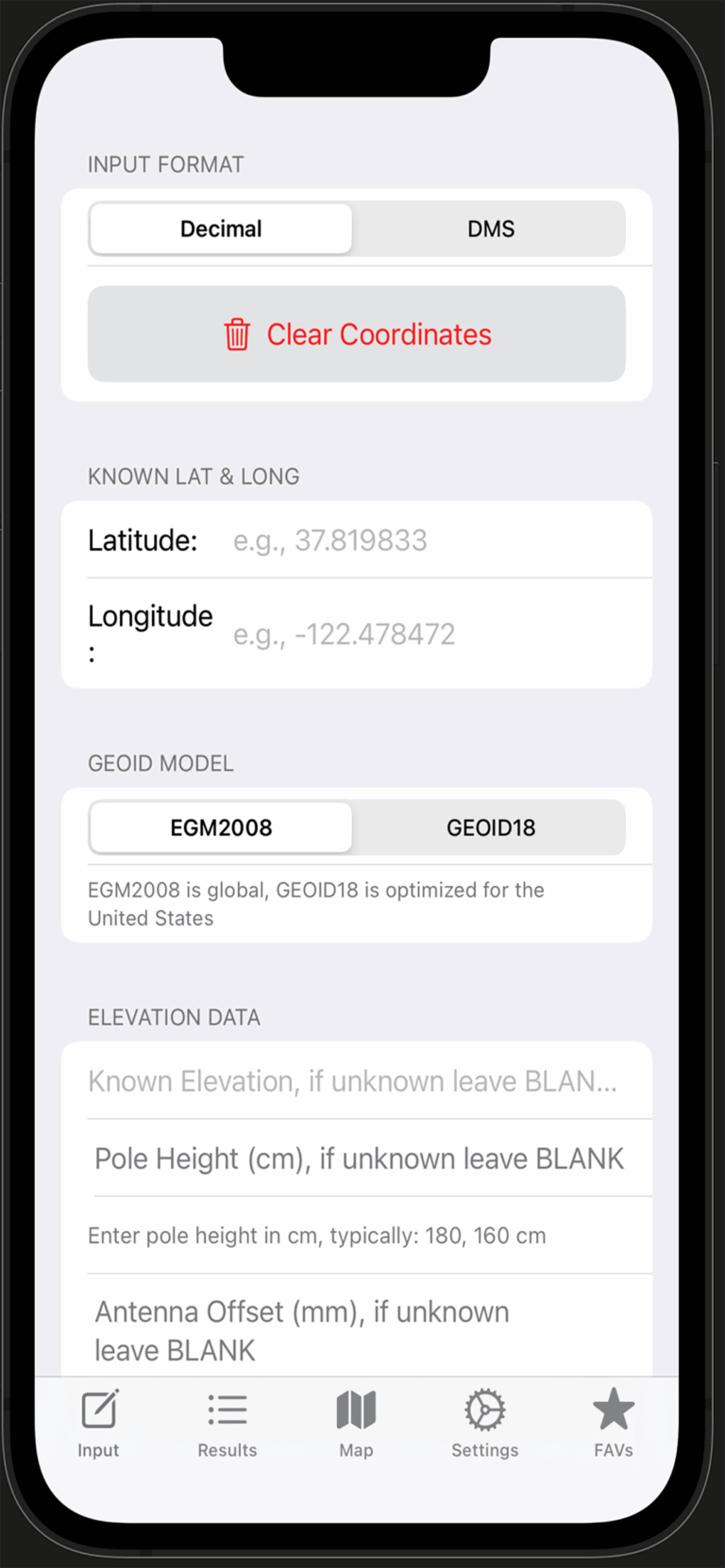
First, choose decimal (for example,
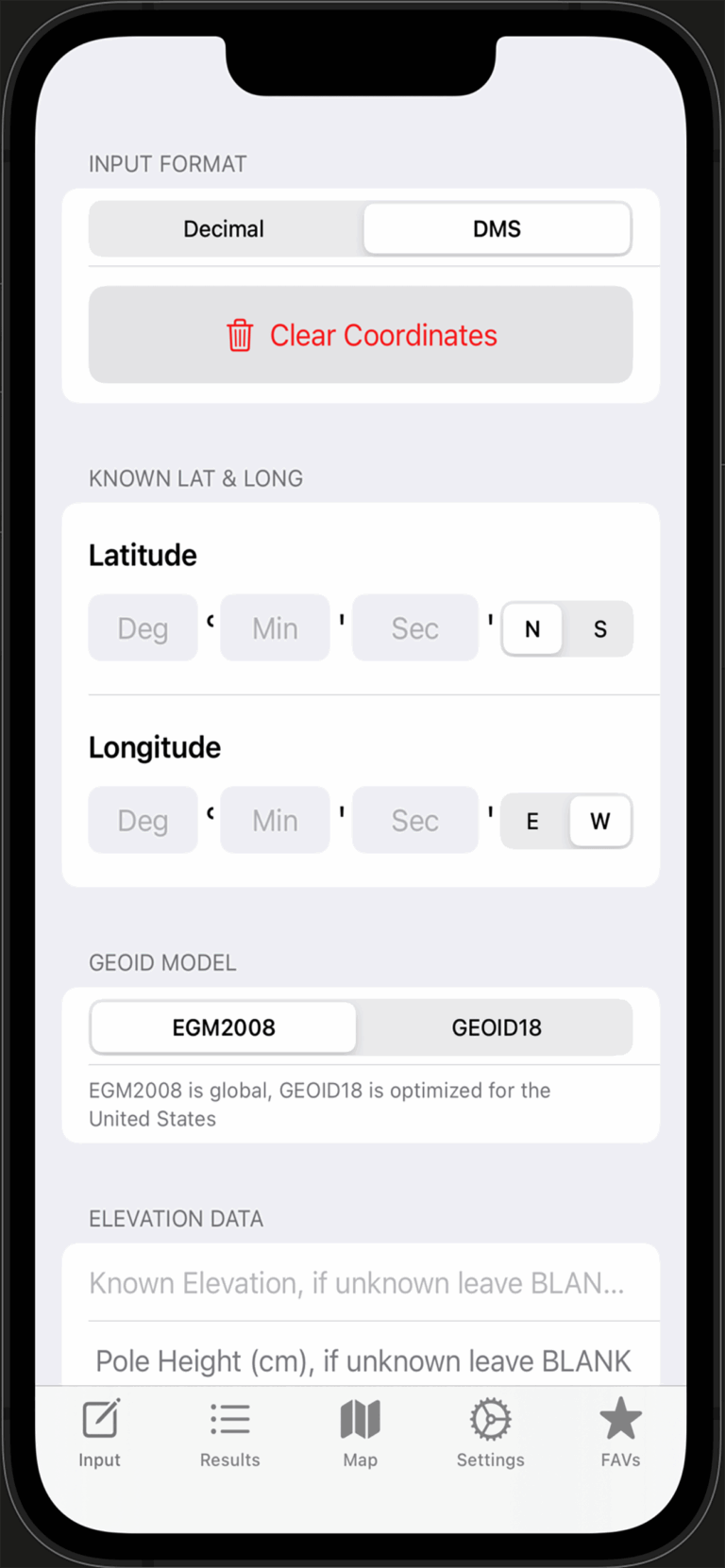
37.819833, -122.478472); alternatively, use DMS with degrees, minutes, seconds plus N/S/E/W. In addition, the app converts between formats automatically. For screenshots, visit our support page, and for conversions outside the app, try NOAA’s NCAT tool.
Common formats are accepted, such as
37°49′11.4″N or 37d49'11.4"; therefore, you can paste from many survey tools without editing. For app-specific tips, see GeoIDFix Support, and for a refresher on notation, review USGS guidance.
You can enter up to eight decimal places to keep results precise; meanwhile, the UI formats outputs to maintain readability. For details, start at our support page, and for accuracy background, consult GPS.gov accuracy basics.
Map and favorites
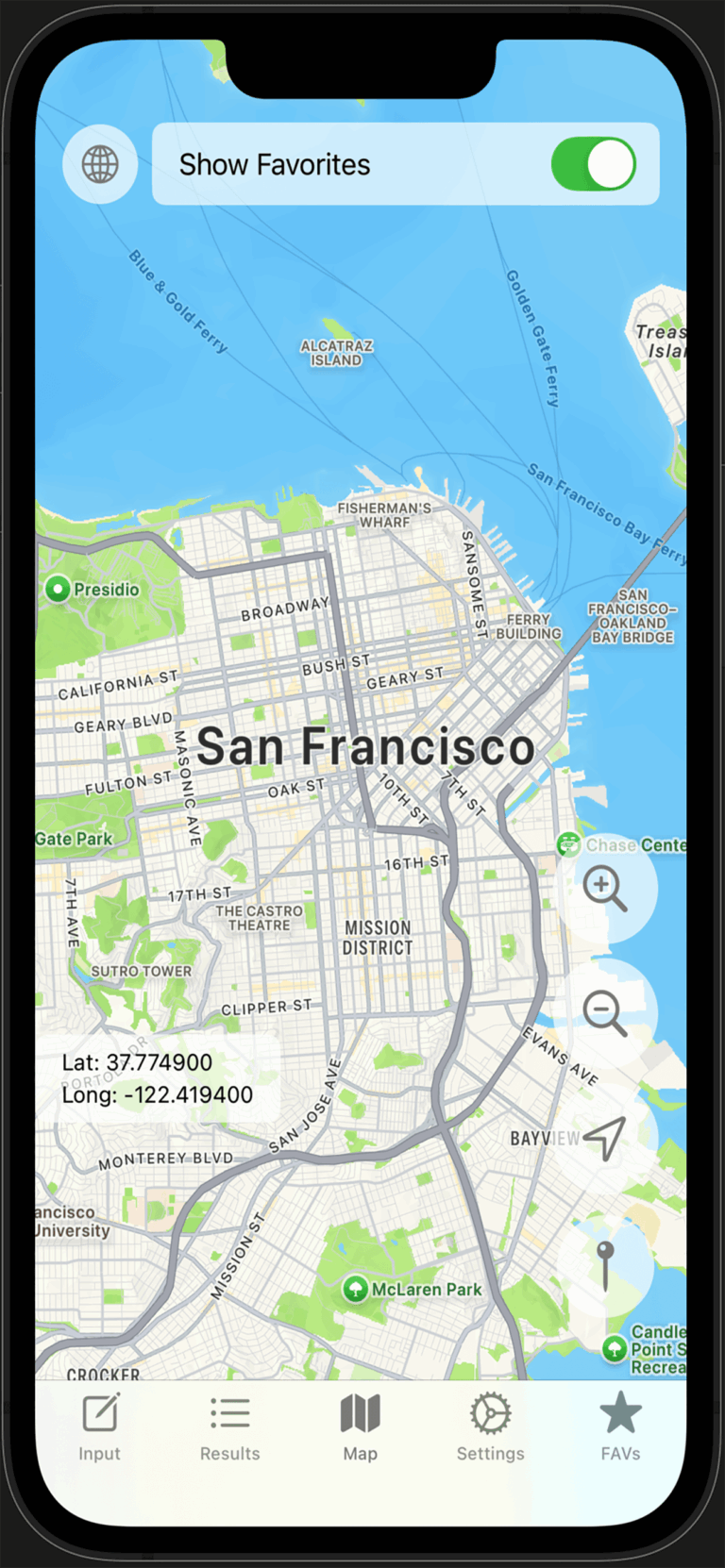
The map centers on your chosen region; next, you can toggle favorite annotations and verify positions visually to reduce entry mistakes. For real examples, browse our project gallery, and for mapping fundamentals, see USGS latitude and longitude.
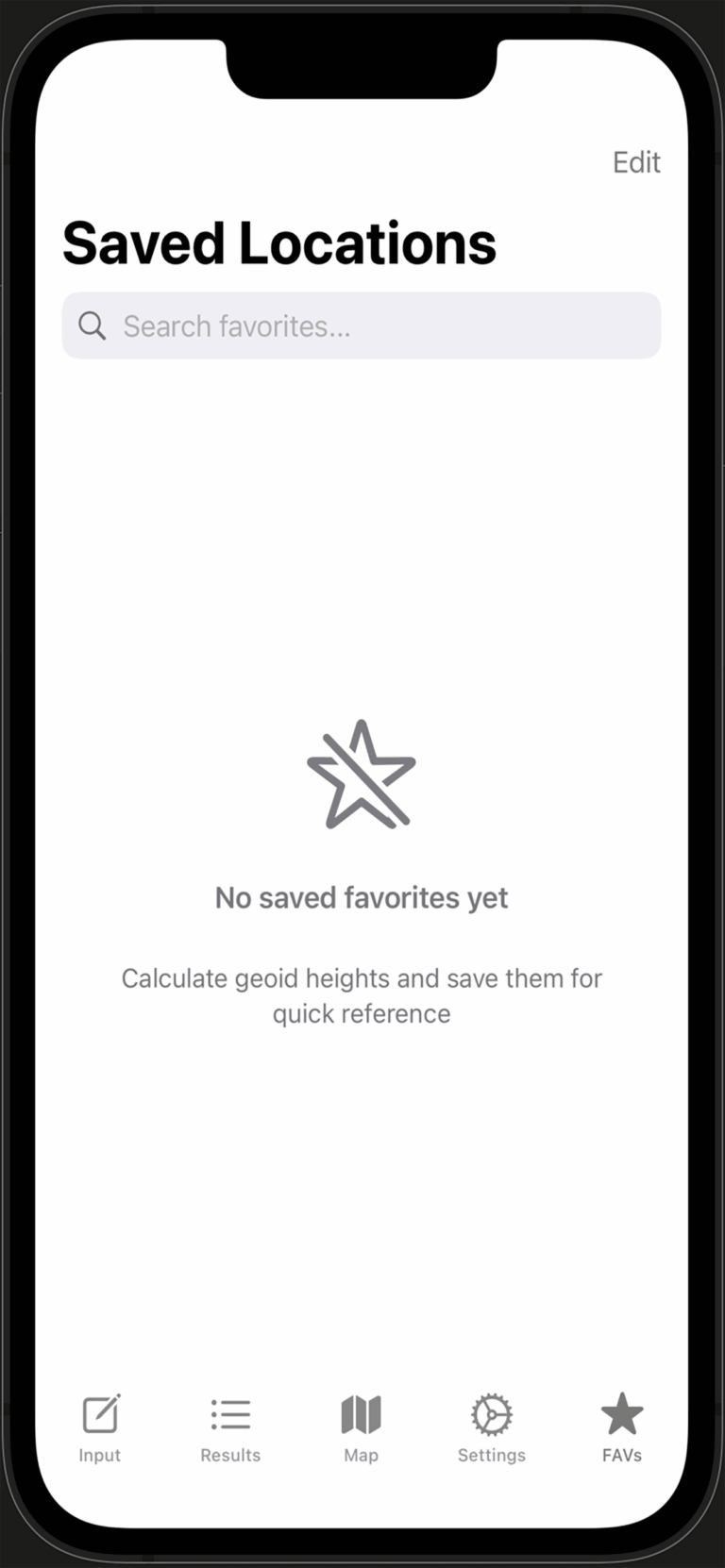
Each favorite stores coordinates, calculation outputs, a timestamp, and optional notes; furthermore, you can display favorites on the map for quick QA. For steps, visit GeoIDFix Support, and for context on positioning performance, read GPS.gov.
Results and units
In short, N is the geoid height, h is ellipsoidal height, and H is orthometric height; therefore,
H = h − N. For app usage, begin with our support page, and for deep background, review NOAA’s geoid FAQ.
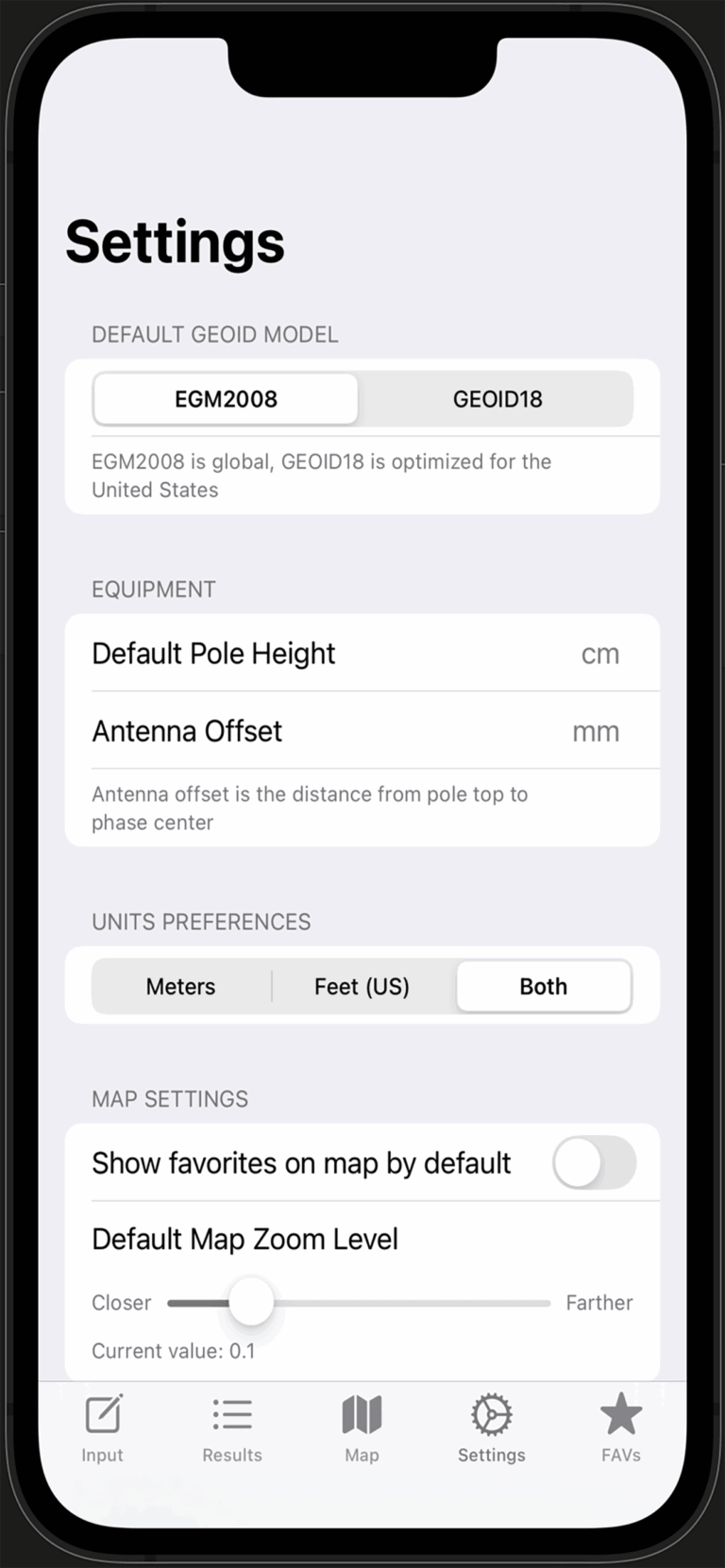
The app supports meters and US survey feet; moreover, you can show one or both in Settings. For setup tips, see GeoIDFix Settings, and for standards, check NIST Units.
These optional fields adjust ellipsoidal height for equipment geometry; as a result, the computed orthometric height better reflects ground truth. For app notes, begin at GeoIDFix Support, and for field technique, see NOAA’s antenna height guidance.
Data source and reliability
The app sends latitude and longitude to a web endpoint that returns EGM2008 geoid height; consequently, only coordinates are transmitted. For privacy and screenshots, see GeoIDFix Support, and for a typical service, review USGS’s Elevation Point Query Service.
If Auto Retry is enabled, the app tries again; otherwise, you can retry when connectivity improves. For steps, start at our support page, and for service docs, see USGS EPQS.
DJI RTK and PDOP
PDOP is a single number that describes satellite geometry; lower is better. For quick interpretation, consider ≤ 2 excellent, 2–6 fair, and > 6 poor. For app notes, check our PDOP guidance, and for fundamentals, read GPS.gov on DOP.
The DJI SDK provides satellite elevation and azimuth from the aircraft; then, the app derives PDOP and displays it in Results. For in-app setup, see our support page, and for the SDK classes, review DJI’s RTK state docs.
No. DJI base stations broadcast RTCM corrections, and PDOP is computed on the client from satellite geometry. Therefore, the app calculates PDOP from aircraft RTK satellite lists. For our notes, visit GeoIDFix Support, and for NTRIP background, see the IGS NTRIP overview.
Tips and troubleshooting
First, verify N/S for latitude and E/W for longitude; next, confirm a leading minus in decimal for West or South; finally, cross-check on the map. For a quick checklist, visit our troubleshooting, and for a neutral refresher, review USGS latitude/longitude.
First, confirm latitude and longitude are valid; next, ensure you have a data connection; then, enable Auto Retry in Settings and try again. For steps, see GeoIDFix Support, and for an external check, try GeographicLib’s geoid tool.
Settings
You can choose units (meters, US feet), set map zoom, toggle Auto Retry, and optionally enter equipment offsets; moreover, these defaults streamline repeated jobs. For a walkthrough, open our settings section, and for measurement standards, see NIST Units.
Privacy and support
The app sends latitude and longitude to the geoid endpoint so it can return EGM2008 height; as a result, only coordinates are transmitted. Favorites remain on your device. For details, start at our support page, and compare with USA.gov privacy basics.
Please open the GeoIDFix Support page to submit an issue with screenshots of Input, Results, and Settings. For technology references, you can also review DJI’s RTK docs.
